
How to Run a Retweet Giveaway on X (and Pick a Random Retweeter)
X (formerly Twitter) renamed the retweet button to "repost" a couple of years ago, but almost nobody actually says that when they talk about giveaways. People still search for "retweet giveaway" far more than "repost giveaway," so this post uses both. When you see "RT," "repost," or "reposts (retweets)," they all mean the same action: sharing your post to someone's own timeline without adding anything.
That's different from a few things entrants sometimes confuse:
- A plain repost. One tap, no added text. This is what most hosts mean by "RT to enter."
- A quote post. The person reposts your giveaway and adds their own comment on top. It shows up in a different place than plain reposts, and whether it counts is your call, not X's.
- A reply. A comment under your post. Different entry action, different picker method (covered in the pillar guide on how to pick a winner on Twitter).
- A like. X made likes private in 2024. Nobody but the post's author can see who liked it, so you can't run a fair like-to-win giveaway anymore, let alone pick from one.
Decide which of these count before you post your rules, and say so in plain words. "Repost this tweet to enter" is clear. "Engage with this post to enter" is not, and it's the kind of vague rule that gets a giveaway reported.
Writing the RT-to-enter post
A good giveaway post answers four questions before anyone has to ask: what's the prize, how do you enter, when does it end, and how will the winner be picked. Leave one out and you'll spend the next three days answering the same question in your replies.
Here's a template that covers all four:
🎁 GIVEAWAY: [prize] To enter: Repost this post and follow @[yourhandle] Winner picked at random on [date, time, time zone] One entry per account. Full rules: [link]
A few things worth getting right:
- Put the deadline in the post itself, not just in a reply. People scroll past replies.
- Name the time zone. "Ends Friday" means something different in Lahore than in Los Angeles.
- Say "one entry per account" up front. It's the single rule that heads off the most arguments later, and it matches what X's own promotion guidelines ask hosts to do.
- Watch your character count, especially once you've added the prize description, hashtags, and a rules link. X's post limit is 280 characters unless you're on a Premium plan. The character counter shows you exactly where you stand as you type, including links and emoji.
If you're running this as a recurring giveaway, write the rules once as a separate document or pinned reply, then link to it from every entry post instead of retyping it each time.
Combining repost, follow, and reply: good and bad rule mixes
Stacking entry actions is normal. "Repost and follow" is probably the most common giveaway rule on X. But some combinations work against you, either because they're hard to verify or because they cross into what X's rules discourage.
Combinations that work well:
- Repost + follow. Easy to explain, easy to check, and gives you a new follower if they win or not.
- Repost + reply with an answer. Good for giveaways where you want to see engagement with the actual content, not just a share.
- Repost + tag a friend in a reply. Widens your reach without asking for anything strange.
Combinations to avoid:
- "Repost this as many times as you can." X's guidelines for promotions specifically ask hosts not to encourage repeated duplicate posts, since it can get entrants filtered out of search for spam-like behavior.
- "Create a new account and repost from there too." Multiple accounts per person is the first thing X's guidelines tell hosts to disqualify, and encouraging it risks those accounts getting suspended.
- "Repost, follow, like, reply, and tag three friends." Every extra step loses you entrants and makes the giveaway harder to verify by hand. Three well-defined actions is plenty.
Whatever you land on, write it down. Our giveaway rules generator turns your entry actions, dates, and prize into a short rules block you can pin or link to, so you're not drafting legal-sounding text from a blank page.
How to pick a random retweeter
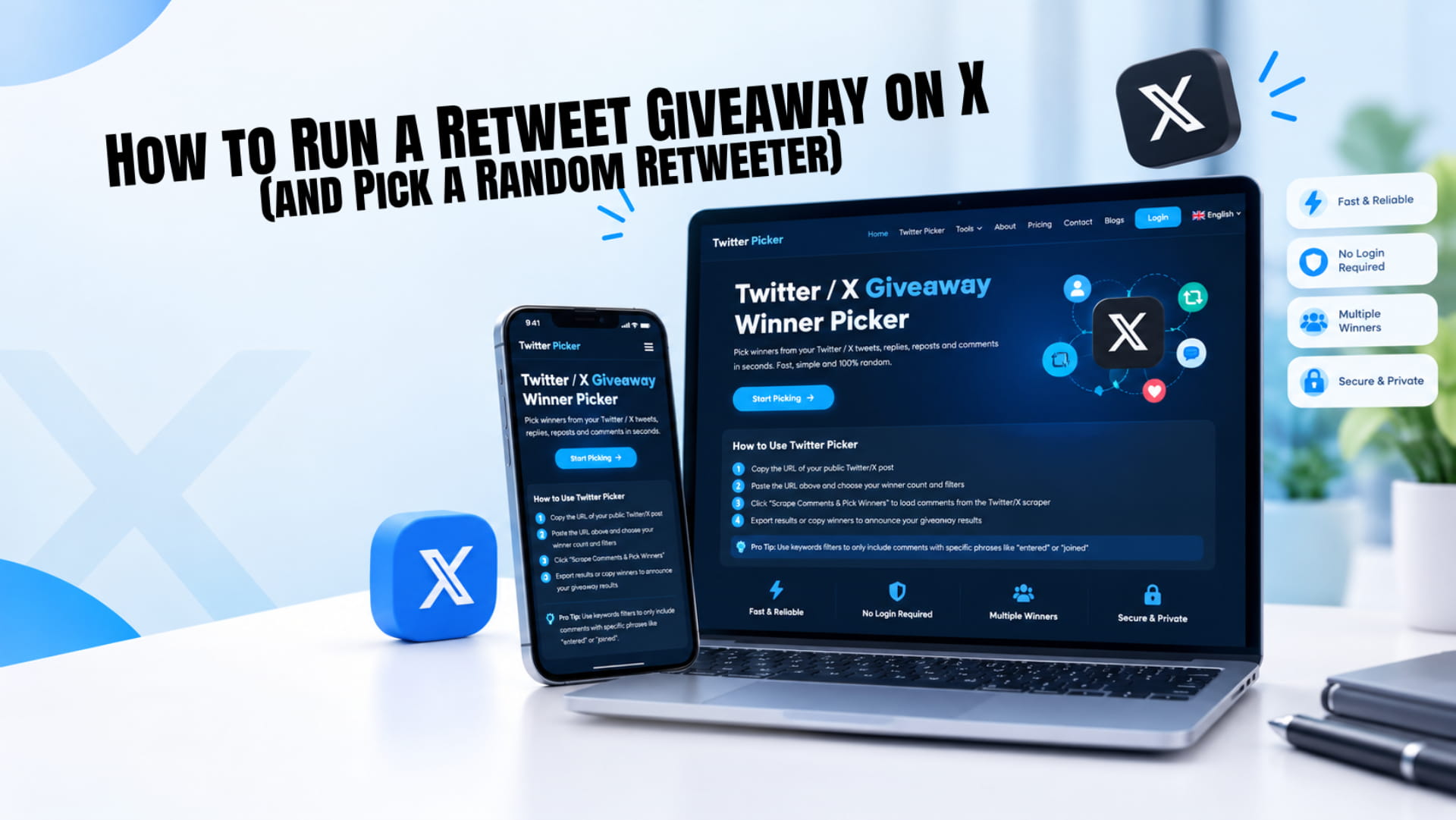
Once entries close, here's how to draw a winner from your reposts using the random retweet picker on our homepage.
- Copy your giveaway post's link. Open the post, tap share, and copy the URL. No need to copy the individual reposts; the tool reads them from the post itself.
- Paste it into the picker and sign in. You don't connect your X account or hand over your password. The picker reads public repost data only. A free account gets a few trial draws so you can test it before committing to a plan.
- Set the number of winners. Match it to what you promised in your rules, and add one or two backups while you're at it (more on that below).
- Apply filters. Turn on duplicate removal so an account that somehow reposted twice only counts once. If your rules also required a reply or a follow, you'll need to check those separately since a repost carries no text to filter on.
- Draw and export. The tool picks from every eligible repost with equal odds and lets you export the full list and the winners as CSV, so you have a record if anyone asks how the draw worked.
Doing this by scrolling your notifications works for a giveaway with twenty reposts. Past that, it's slow and easy to get wrong; you'll likely miss reposts from accounts that aren't mutuals, since X's app now pushes replies from people you follow each other with higher in your feed, and nothing stops the same bias from shaping which reposts you happen to notice first. A picker reads the full public list instead of whatever your feed decided to surface.
Common problems: private accounts, deleted reposts, and bots
A few things go wrong often enough that it's worth knowing what to do before they happen mid-draw.
Private accounts. If your giveaway post is public but someone reposts from a protected (private) account, that repost is invisible to anyone who doesn't follow them, including a picker tool. There's no way around this. If a winner turns out to have a private account, you generally can't verify their entry, so most hosts move to the next name.
Deleted or hidden reposts. Someone reposts, enters the draw, then changes their mind and removes the repost before you check it, or their account gets suspended between the draw and your verification. Since July 2026, reposts also live in their own Reposts tab on X's mobile apps instead of mixing into a profile's main Posts tab, so double-checking a winner by hand now takes an extra step: open their profile and tap Reposts, or use X on the web, which still shows the older combined layout as of this writing. Either way, if the repost genuinely isn't there anymore, treat it like a no-show and go to your backup.
Bots and throwaway accounts. A brand-new account with no profile photo, zero other activity, and a repost that's the only thing it's ever done is a common sign of a bot farmed to win giveaways. Removing duplicate entries catches some of this automatically, since bot networks often repost from several accounts tied to the same operator. For the rest, a quick look at the winner's profile before you announce is worth the thirty seconds, as long as your rules said spam or fake accounts aren't eligible.
Announcing and DMing the winner safely
Post the winner publicly first, as a reply or quote post tagging their account. That's your proof the draw happened and gives other entrants somewhere to see it. Then follow up with a direct message for the details they shouldn't post publicly, like a shipping address.
Tell the winner, clearly, which account will contact them. Giveaway scams usually work by watching for real giveaways and sliding into the winner's DMs first, pretending to be the host. A message asking for a password, a card number, or a "processing fee" to release the prize is not coming from a real giveaway host, including this one.
Give the winner a real deadline to respond, something like 48 or 72 hours, and say what happens if they miss it: you move to your first backup. Posting that you've moved on, with a timestamp, is what keeps the whole thing defensible if the original winner shows up later asking why someone else got the prize.
Run your retweet giveaway the fair way
A retweet giveaway comes down to three things: a clear entry rule, a filtered list, and a random draw you can show your audience. Get those right and nobody has a reason to doubt the result.
When your giveaway ends, paste the post link into TwtPicker, draw your winner and a couple of backups, and export the list as your record. It takes less time than writing the announcement itself.
Frequently Asked Questions
Yes, as long as your post and the reposting accounts are public. X shows this list on the post itself, and on mobile it now lives under the Reposts tab rather than mixed into Posts. A picker tool reads this same public list in one pass instead of you scrolling it.
Only if your rules say they do. A quote post is technically a repost with added commentary, but it shows up separately from plain reposts, so decide upfront whether it counts and say so in your entry rules.
The most common reasons are a private account, a repost the person later undid, or an account that got suspended between the draw and your check. None of these are something a picker tool can recover, since it can only read what's currently public.
No. Whether to require a follow is your choice as the entry rule, not a technical requirement. If "follow + repost" was one of your entry conditions, check the follow the same way you'd check the repost.