
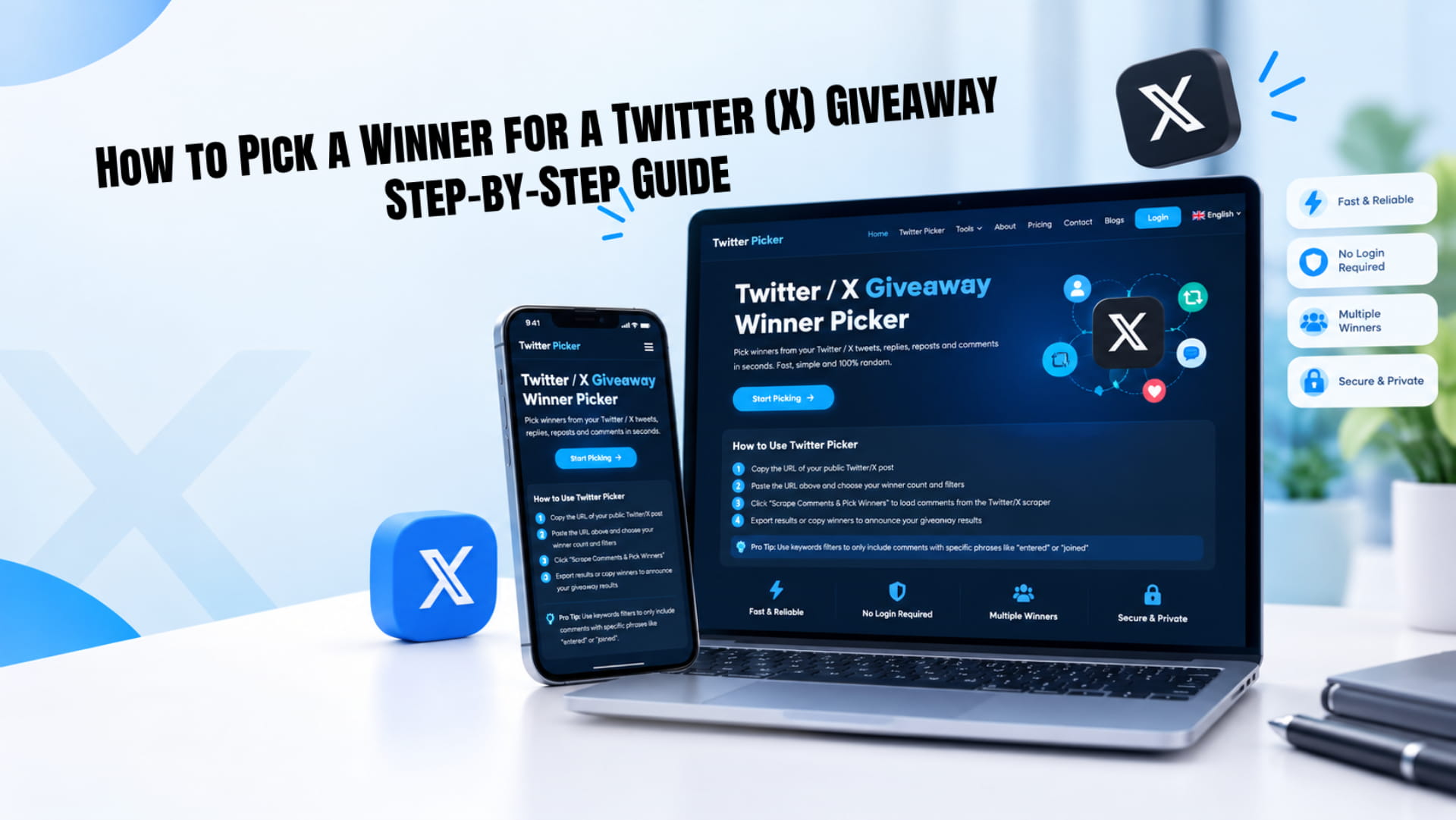
How to Pick a Winner for a Twitter (X) Giveaway: Step-by-Step Guide
To pick a winner on Twitter, now X (formerly Twitter), you collect every valid entry from your giveaway post, remove the ones that break your rules, and let a random draw choose from what's left. You can do this by hand for a tiny giveaway. For anything bigger than a few dozen entries, a picker tool is faster and much easier to defend when someone asks, "Was this rigged?"
Here's the whole process in five steps:
- Write clear rules before you post, including how the winner will be picked.
- Copy the link to your public giveaway post once entries close.
- Load the replies or reposts (retweets) into a picker.
- Apply filters: one entry per account, required words or tags, minimum length.
- Draw your winner plus one or two backups, then save the results as proof.
The rest of this guide walks through each step, with the mistakes I see hosts make most often. If you've run giveaways before, skip to the filters section. That's where most unfair draws actually go wrong.
What you need before you draw
Most giveaway arguments start before the draw, not during it. Someone thinks they entered correctly, the host disagrees, and there's nothing written down to settle it. Sort these out before your post goes live.
The post link. Your giveaway has to be on a public account. Private (protected) accounts hide replies and reposts from anyone who doesn't follow them, and picker tools can't read them either. Copy the link from the share menu on the post itself, not from your profile.
Written rules. At minimum, say who can enter, when entries close (with a time zone), what the prize is, what counts as an entry, and how the winner gets chosen. X's own Guidelines for Promotions on X ask hosts to discourage people from using multiple accounts and to avoid rules that reward posting the same thing over and over. They also remind you that following local laws is your job, not X's. Putting "one entry per account; anyone found using multiple accounts is disqualified" in your rules covers the first point.
If you don't want to write rules from scratch, the giveaway rules generator fills in a template from a few answers. Pin the rules in a reply under your post or link to them.
The number of winners. Decide this up front and stick to it. Changing the number after you've seen the entries looks bad even when your reasons are innocent.
A plan for backups. Decide how long a winner has to reply before you move to the next person. 48 or 72 hours is common. Write that into the rules too.
Method 1: Pick a winner from replies with TwtPicker
Replies are the most popular entry action on X, and for good reason. Each reply is a separate, timestamped entry you can read, filter and export. Here's how to draw from them with the Twitter giveaway picker on our homepage.
- Copy your post URL. Open the giveaway post, tap share, and copy the link. It will look like x.com/yourname/status/ followed by a long number.
- Paste it into the picker. You don't log in with your X account or share your X password. TwtPicker reads the public replies only. You do need a free TwtPicker account, and new accounts get a few free trial draws so you can test it on a real giveaway.
- Choose the number of winners. Set it to the number you promised in your rules.
- Set your filters. Turn on "Remove duplicate users" so each account gets one entry. Add required words if your rules asked people to include a hashtag or phrase. Turn on the tag-a-friend filter if entrants had to mention someone. More on filters below.
- Click "Scrape Comments & Pick Winners". The tool loads the replies, drops the ones that fail your filters, and draws from the rest.
- Export the results. Download the full comment list and the winner list. You'll want both later.
[Screenshot: pick-twitter-giveaway-winner-step-2.png, alt text: pasting a giveaway post link into TwtPicker]
A quick note on why this beats scrolling. The reply order you see in the X app isn't a neutral list. X ranks replies, and since July 2026 it also puts replies from people you follow each other with near the top of the For You feed. If you pick by scrolling, the people X ranked higher get a better shot. A picker reads all the public replies in one go and treats them equally.
Method 2: Pick a winner from reposts (retweets)
X renamed retweets to reposts a while ago, but most people still search for "retweet giveaway", so you'll see both words used. They mean the same thing. A plain repost shares your post as-is. A quote post shares it with the person's own comment on top. Decide in your rules whether quote posts count, because they show up in a different list.
The steps are close to Method 1. You paste the post link, set the number of winners, and draw from the list of accounts that reposted. TwtPicker's paid plan includes the repost extractor alongside the reply picker.
Repost giveaways have one weak spot: there's nothing to filter on. A repost carries no text, so you can't require a hashtag or check that someone tagged a friend. That's why many hosts combine the two, asking people to repost and reply, then drawing from replies and checking the winner's repost by hand.
That manual check got a little more annoying this year. In July 2026, X started rolling out redesigned profiles on Android and iOS that split content into separate Posts, Replies and Reposts tabs. On mobile, a person's reposts no longer appear in their main Posts tab. If you're confirming that a winner reposted, open their profile and check the Reposts tab, or use X on the web, which still showed the older layout when the change was reported.
Two things can make a repost vanish from your list: the person undid it, or their account went private or was suspended. Neither should count. If your winner's repost has disappeared by the time you check, go to your backup.
Filters that keep the draw fair
A random draw is only as fair as the list it draws from. If one person replied 40 times and everyone else replied once, a perfectly random pick still gives that person 40 chances. Filters fix the list before the randomness starts.
| Filter | What it does | When to use it |
|---|---|---|
| Remove duplicate users | Keeps one entry per account | Almost always. It's also what X's promotion guidelines point you toward. |
| Include words | Only counts replies containing a word or hashtag you choose | When your rules said "reply with #YourHashtag" or answer a question |
| Exclude words | Drops replies containing words you list | To remove spam phrases, links or your own team's test replies |
| Tag a friend | Only counts replies that mention another account | When your rules asked entrants to tag someone |
| Minimum comment length | Drops replies shorter than a set number of characters | To cut low-effort replies like "done" or a single emoji |
| Include replies to replies | Decides whether nested replies count | Usually off, so only direct replies to your post count |
A word of caution: only apply filters your rules mentioned. If you add a 30-character minimum after the giveaway ends, you're changing the rules on people who entered in good faith. Decide your filters when you write the rules, then use exactly those.
Bots are the other headache. Duplicate removal and a minimum length catch a lot of them, but not all. If a winner looks fake (a brand new account, no profile photo, replies copied word for word from others), most hosts disqualify it and redraw, as long as the rules said fake or spam accounts aren't eligible.
Picking backup winners
Some winners never reply. Their DMs are closed, they've left X, or they just don't check notifications. Draw your backups at the same time as your main winner, not days later. That way the order is fixed in the same draw and nobody can say you picked the backup once you knew who was in the list.
The simple way to do it: if you're giving away one prize, set the picker to three winners. The first is your winner. The second and third are backups, in that order. Say so when you announce, something like "Winner: @name. Backups, in order: @name2, @name3."
Give each person the deadline from your rules. If the winner hasn't replied when it passes, contact the first backup and post a short public update. Being open about this step is what stops the "they gave it to their friend" replies.
Announcing the winner and saving proof
People believe a draw they can see. Posting "Congrats @name!" with nothing else is how giveaway accusations start, especially if the winner happens to follow you closely.
Here's what I'd keep for every giveaway:
- The exported entry list. TwtPicker exports the full comment list and the winner list as CSV, with XLSX, PDF and TXT also available. Keep the file so you can show the draw pulled from every eligible entry.
- A screen recording. Record your screen from pasting the link to the winner appearing. Thirty seconds of video answers most "was this rigged" questions.
- A winner certificate. Paid plans include a downloadable certificate (PDF, Excel or CSV) that you can attach to the announcement.
For livestreams or X Spaces, try a visual draw instead. Export the eligible entrants, paste them into the spin the wheel picker, and spin it in front of your audience. It's the same random pick, but people get to watch it happen.
When you contact the winner, send the first message publicly (a reply or a quote post tagging them) and then follow up by DM. Never ask for a password, a payment, or a "verification fee". Scammers copy real giveaways and DM entrants pretending to be the host, so tell people in your announcement exactly which account will contact them.
How does the TwtPicker draw work, in plain words? It gathers the eligible entries after your filters, then shuffles them with a cryptographically secure random number generator (a Fisher-Yates shuffle) and takes the top entries as winners. Every eligible entry has the same chance, and you can't nudge the result toward anyone.
Manual picking vs a picker tool
You can pick a winner by hand. For a giveaway with 15 replies between friends, it's honestly fine. Copy each username into a list, paste it into a list randomizer, shuffle, and take the name at the top. Past a few dozen entries, the manual route starts to break.
| Picking by hand | Picker tool | |
|---|---|---|
| Time for 500 replies | An hour or more of copying names | Under a minute |
| Duplicate entries | Easy to miss | Removed automatically |
| Keyword and tag rules | You check each reply yourself | Filtered for you |
| Hidden or low-ranked replies | Often missed while scrolling | Included with the rest |
| Proof for your audience | Only what you remember to save | Exported list, recording, certificate |
| Cost | Free | Free trial draws, then a paid plan |
The honest trade-off is cost. X now charges developers per post read through its API, so tools that pull thousands of replies have real running costs, and fully free pickers are getting rarer. For a one-off giveaway, the free trial draws are usually enough. If you run giveaways every week, check the current plans on the pricing page before you start.
Run your next draw in under a minute
Picking a winner on X comes down to three habits: write the rules first, filter the list the way your rules said you would, and keep proof of the draw. Do those, and the random part takes care of itself.
When your entries close, paste your post link into TwtPicker, set your winners and filters, and you'll have a winner, backups and an exportable record in the time it takes to draft the announcement. Your first draws are free, so try it on your next giveaway.
Frequently Asked Questions
Yes. For small giveaways, you can copy the usernames into a list and shuffle them with a free randomizer. TwtPicker also gives new accounts a few free trial draws with the full feature set, which is enough for most one-off giveaways.
Yes. Set the number of winners before you draw and the picker selects them all at once from the same shuffle. If you need backups, add them to that number and announce them in order.
Not with TwtPicker. You paste the link to your public post, and the tool reads the public replies. It never asks for your X Can I pick more than one winner on X? password or account access. Be careful with any picker that does ask for your login.
Keep the exported entry list, record your screen while you draw, and post the winner with a certificate or the export. Mentioning which tool you used and your filter settings also helps followers trust the result.
Not reliably. Since June 2024, likes on X are private, so only the post's author can see who liked it and there's no list to export. Use replies or reposts as your entry action instead.